01 / VIEW
The right view for what’s ahead.
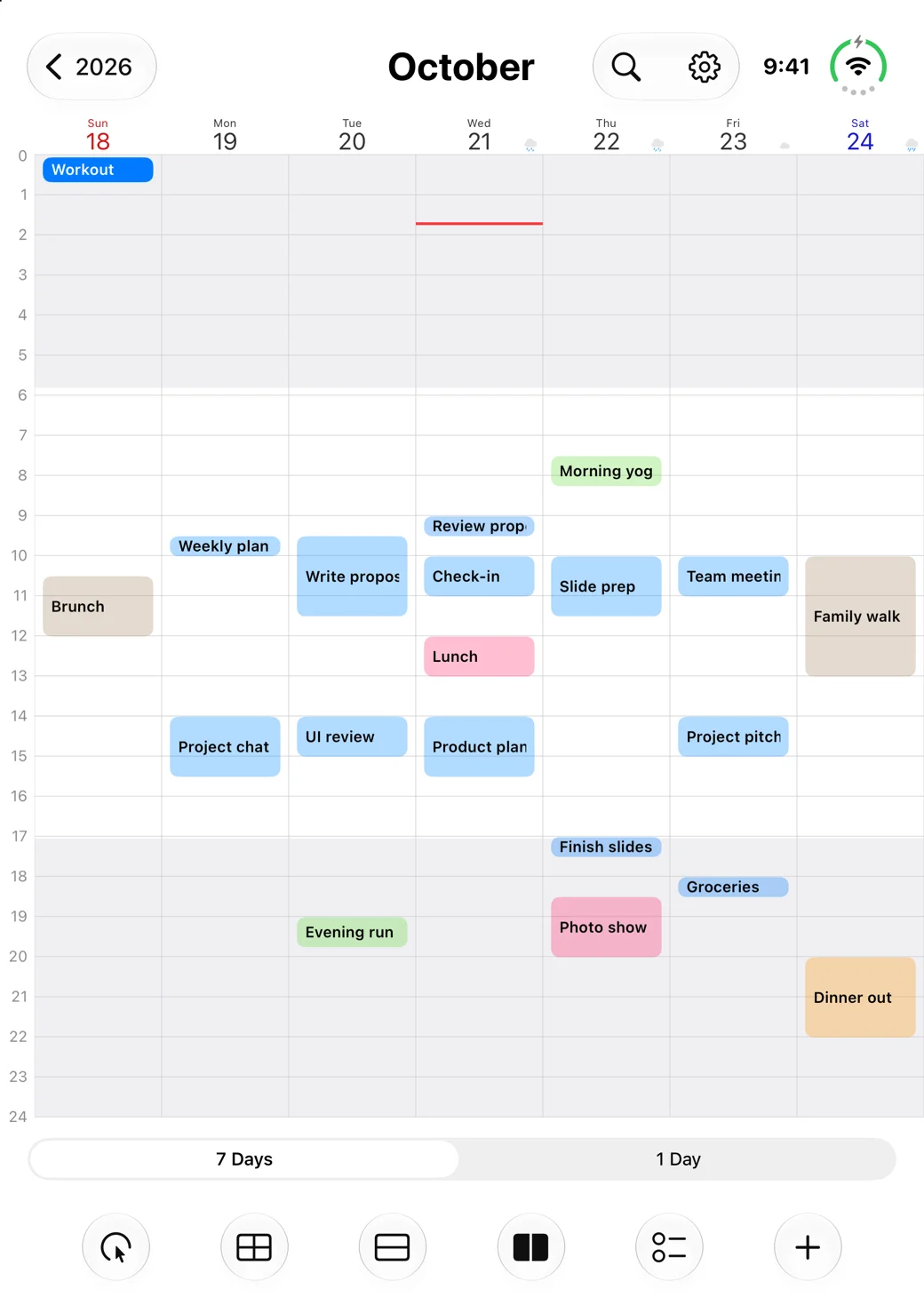
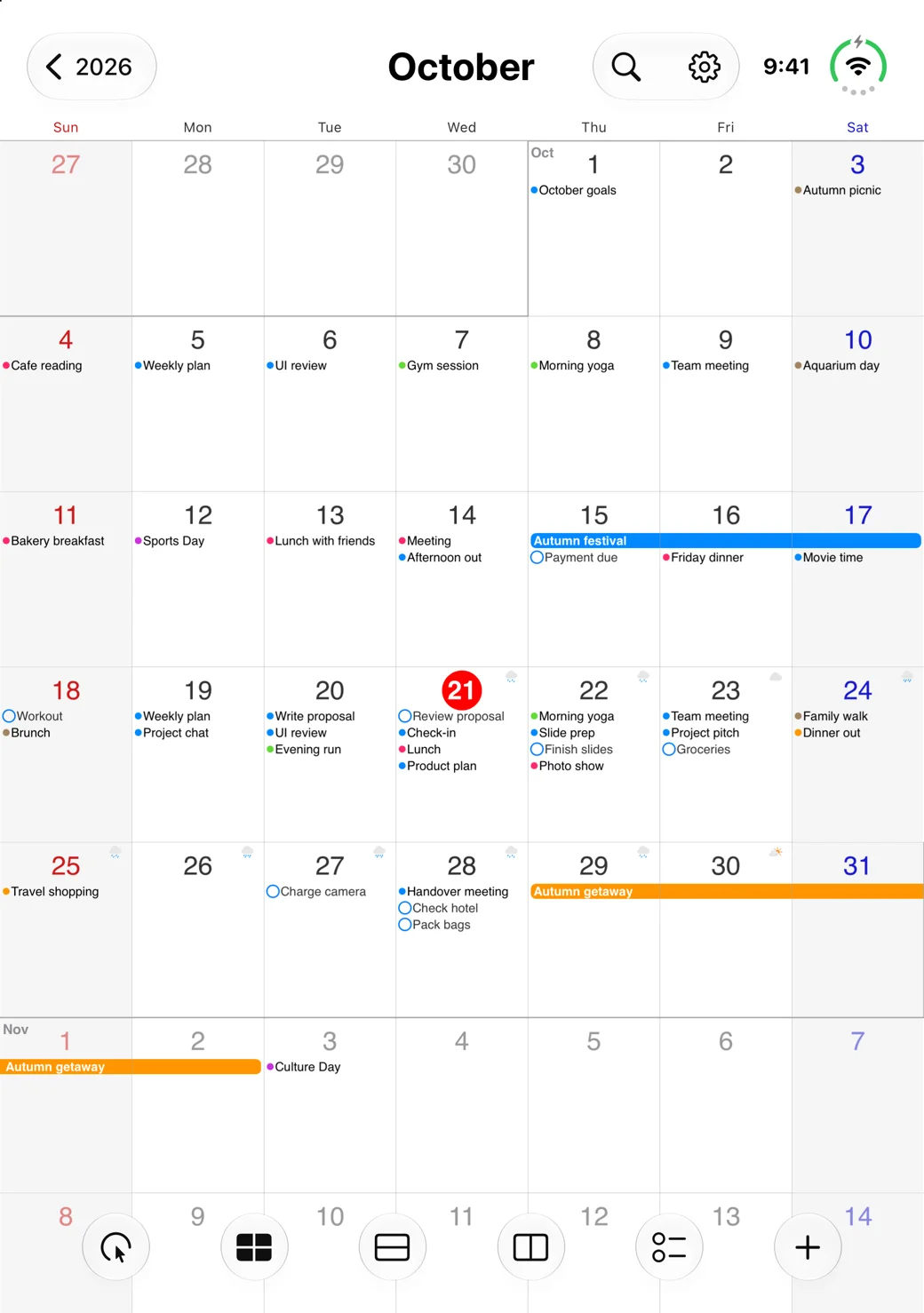
Switch between year, month, week, and list views, from a broad overview to the details of your day. Adjust the month view to show two to six weeks.
 SCalendar
SCALENDAR · SEAMLESS CALENDAR
From today’s to-dos to what comes next.
A comfortable place for your calendars and reminders.
Made for iPhone & iPad
A CLEARER EVERYDAY
Work plans and personal moments, in one calendar.
Choose a view that works with your schedule.
Switch between year, month, week, and list views, from a broad overview to the details of your day. Adjust the month view to show two to six weeks.
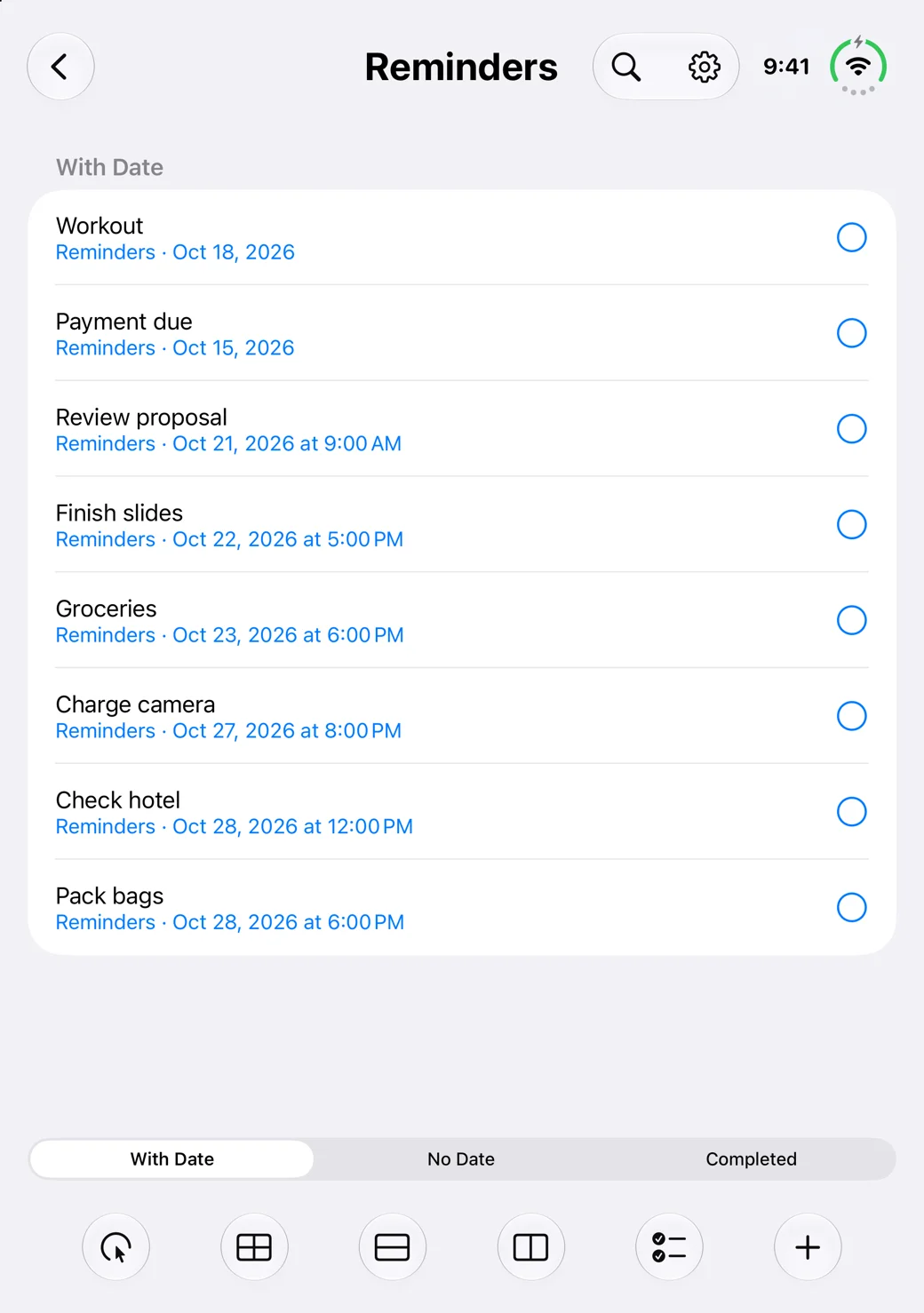
See reminders alongside your calendar. Get a clear picture of the day without switching between your schedule and your tasks.
Search past and future events. Export event data to CSV when you need a record outside your calendar.
Create events from saved templates and spend less time entering the same details.
Keep upcoming events on your Home Screen with widgets. Choose how a widget opens the app.
GOOGLE CALENDAR
Connect a Google account to copy an event with its invitees, or create a new event from a participant template.
Connecting Google is optional. SCalendar requests access to calendar lists and events, and uses that information to provide these features.
Privacy PolicySUPPORT
Contact us about using SCalendar, connecting Google Calendar, or how your information is handled.
studio.ileaf@gmail.com